Field workforce management, without the guesswork.
FieldOps gives dispatchers a live view of every task and every worker, so nothing slips between the office and the field.
Set up once. Dispatch every day after.
Create your organization
Set up your workspace in a couple of minutes — no credit card, no waiting.
Invite your team
Add dispatchers, managers, and field workers. Each one gets the access their role needs.
Assign work
Create a task, assign a worker, and watch it move from assigned to completed.
Everything a dispatcher needs, organised the way you already work.
Run the day-to-day.
Assign, track, and close out field work as it happens.
See every worker's location and status in real time.
Know your workforce.
A single record for every field worker you employ.
See who's stretched thin and who has room to take more.
Set the rules once.
Route new tasks to the right worker automatically.
Catch a breach before your customer does.
One platform. Every Industry.
FieldOps adapts to how your industry works through configuration, not custom code - the same platform, tailored to your roles, tasks, and workflow.

Contractor
Administrator · Project Manager · Site Supervisor · Electrician · Plumber · Painter · Carpenter
Pharma
Administrator · Regional Manager · Area Sales Manager · Medical Representative
Logistics
Hub Manager · Dispatcher · Delivery Executive
What makes us different
The office runs it. The field lives in it.
One system, two experiences — each built for how that person actually works.
Web dashboard
For dispatchers & managers
Assign tasks, watch the live map, and keep an eye on SLAs from a desk or a laptop — everything a dispatcher needs, without switching tools.
- Assign tasks and dispatch workers in a couple of clicks
- Watch every worker's live location on one map
- Get alerted before an SLA is at risk, not after
Assigned
18
In progress
7
Completed
31
Mobile app
For field workers
Workers see their assigned tasks, share their location, and update progress from their phone — no paperwork, no end-of-day guesswork.
- See today's tasks the moment they're assigned
- Share location automatically while on the clock
- Mark jobs complete and add notes from the field
HVAC repair — Unit 4B
Sharing location · 0.4 mi away
Meter inspection
Due 2:30 PM
Filter replacement
Completed 11:02 AM
Simple, transparent pricing
Pricing scales with your team - start free, no credit card required.
Plus
Perfect for growing field service teams.
- Task Scheduling
- Job Dispatching
- Mobile App
- GPS Tracking
Pro
Advanced tools for larger teams.
- Everything in Plus
- Reports & Analytics
- Route Optimization
- Priority Support
Common Questions
Most teams are scheduling their first job within a day. You can import your existing customer list and technician roster from a spreadsheet, and we walk you through setup during onboarding.
Yes - technicians use the FieldOps mobile app to see their schedule, job details, and update job status from the field. It works on both iOS and Android.
Yes - the scheduler automatically flags conflicts when a technician is assigned two jobs that overlap, so you catch it before it becomes a missed appointment.
Yes - any change made in the office dashboard syncs to the technician's mobile app immediately, so there's no gap between a schedule change and the field knowing about it.
From the blog
Ideas, guides, and updates for field service teams.
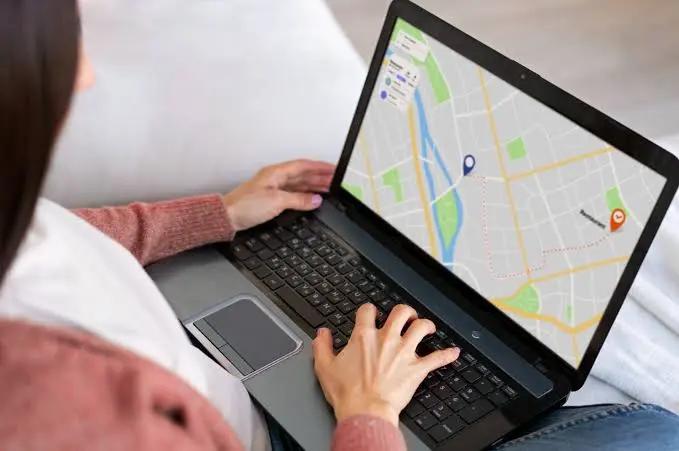
Live GPS Tracking: What Dispatchers Actually See in Real Time
Stop guessing where your team is. Here's how live location tracking works in FieldOps, and what it changes for dispatchers, managers, and the field.

Getting Started with FieldOps: From Signup to Your First Assigned Task
Three steps, a few minutes, and your team is ready to dispatch. Here's exactly what onboarding looks like.

One Platform, Every Industry: How FieldOps Adapts to Your Business
FieldOps doesn't ask you to change how you work — it configures itself around your industry's roles, tasks, and workflow.
Ready to get started?
Set up your organisation in a few minutes.