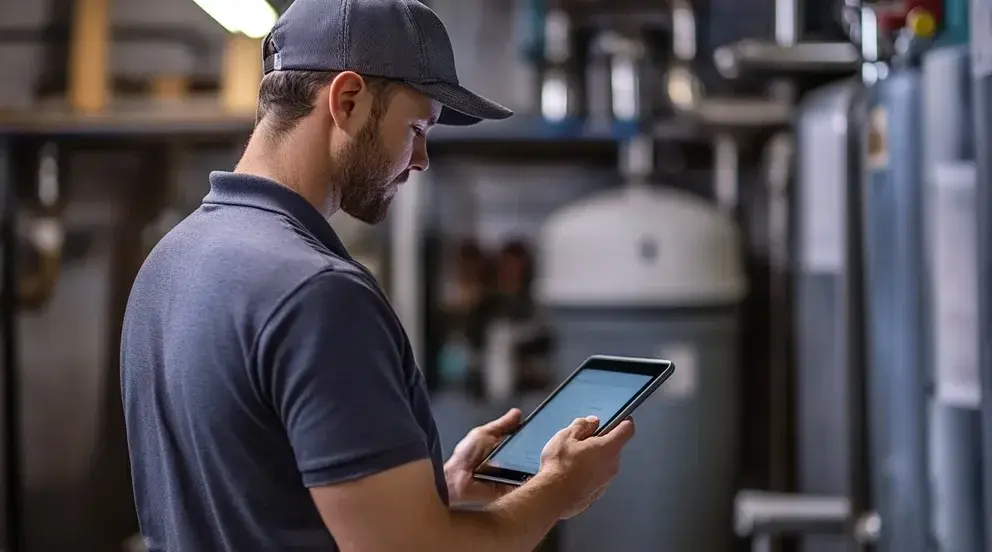
Most scheduling tools get designed from the office looking out — built around what makes a dispatcher's dashboard look impressive, not what makes a technician's day easier. That's backwards, and it shows up as adoption problems six months later.
If your team is quietly going back to text messages and paper notes, it's usually not because they resist technology. It's because the tool wasn't built with them in mind. Here's what actually matters to the people using it in the field.
It has to work with one thumb, in a truck, in bad signal
A technician isn't sitting at a desk. They're checking their next job between driveways, often one-handed, sometimes with spotty connectivity. If the app needs a stable connection and two hands to navigate, it'll get used less and less.
Job details should load before they arrive, not after
Nothing wastes more time than a technician showing up to a job without knowing what they're walking into — access instructions, gate codes, prior notes from the last visit. That information needs to be available offline, cached before they leave the previous stop.
Updating job status should take seconds, not a form
"Job complete" shouldn't require six taps and three dropdowns. The faster status updates are to log, the more likely they actually get logged in real time — which is the only way your office actually knows what's happening throughout the day.
It should reduce calls to the office, not create them
If technicians still need to call in to confirm basic things — the next address, whether a part was approved, what time a customer wants — the app isn't actually doing its job. Good field software answers those questions on the screen, before anyone has to pick up the phone.
The best scheduling tool isn't the one with the most features. It's the one your technicians forget they're using, because it just gets out of their way.